Download
Put your agents and usage in one place
The Mac app runs an agent next to your files. The command line reads usage in a terminal. Both are free, and neither needs an account. The phone reaches a computer that is already running the work.
Desktop app
Open a project, launch an installed agent, and review its changes. Usage reports include supported sessions started outside tokenstat.
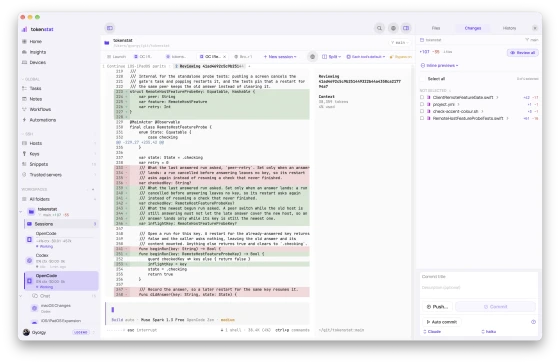
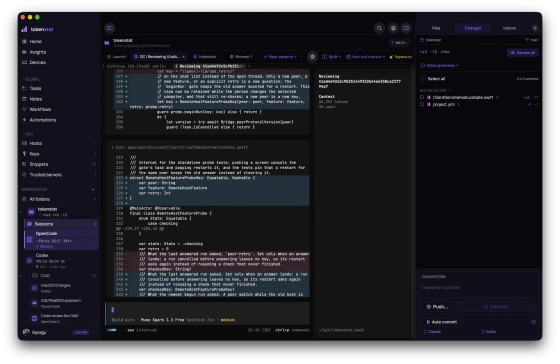
Windows desktop is a review build. Linux desktop is planned. The CLI is available on all three. A Linux machine can also run as an always-on host.
Command line
Ask questions about your archived usage from the command line. The CLI installs in your home directory, needs no root access, and updates itself.
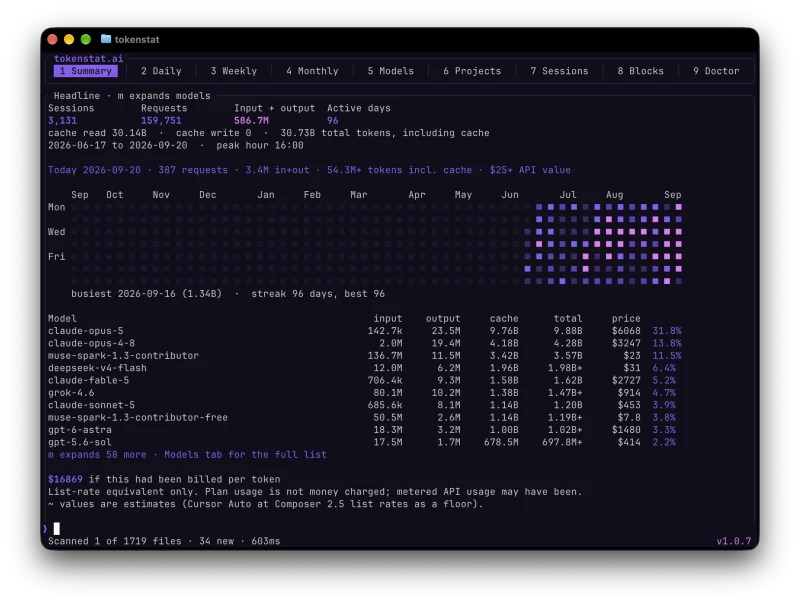
$ curl -fsSL https://tokenstat.ai/install.sh | bashiPhone, iPad, and Android
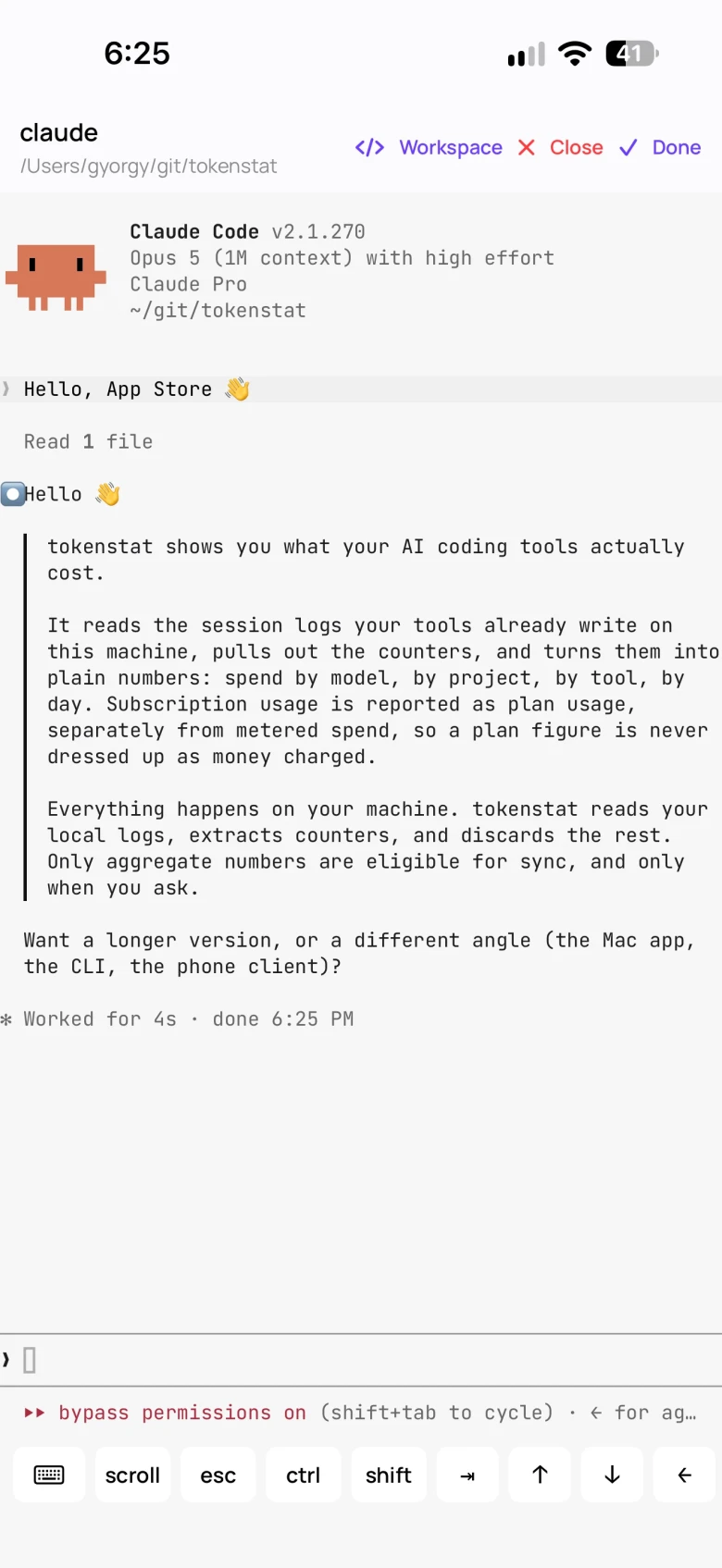
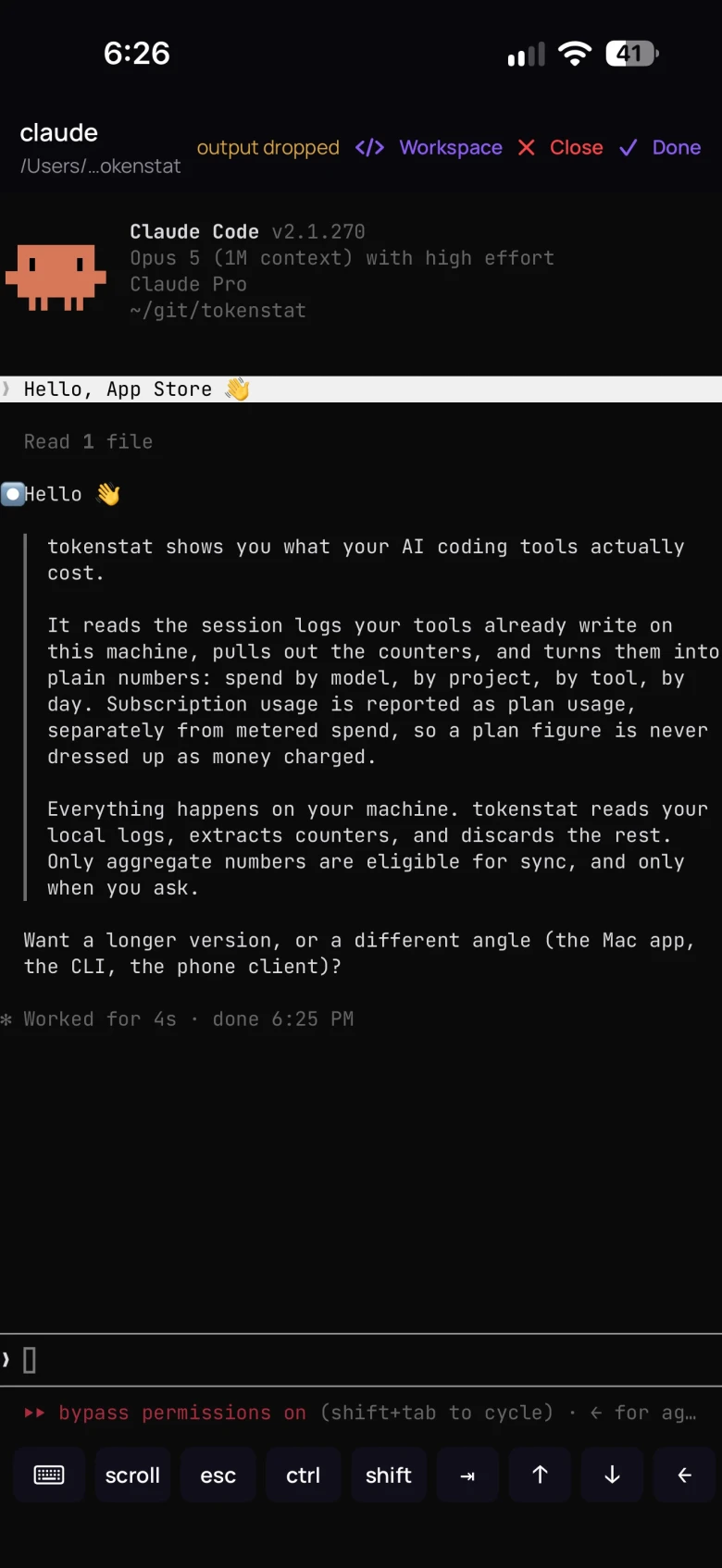
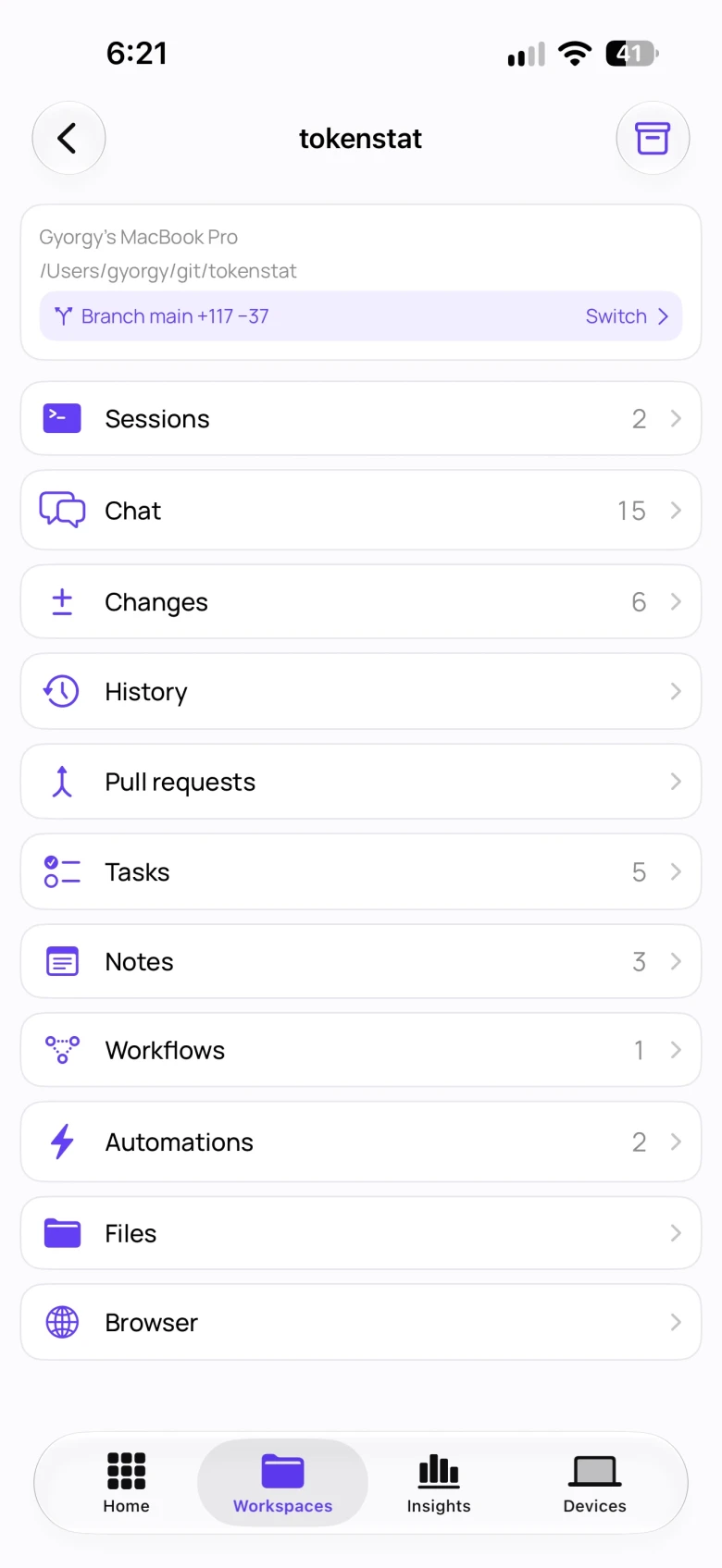
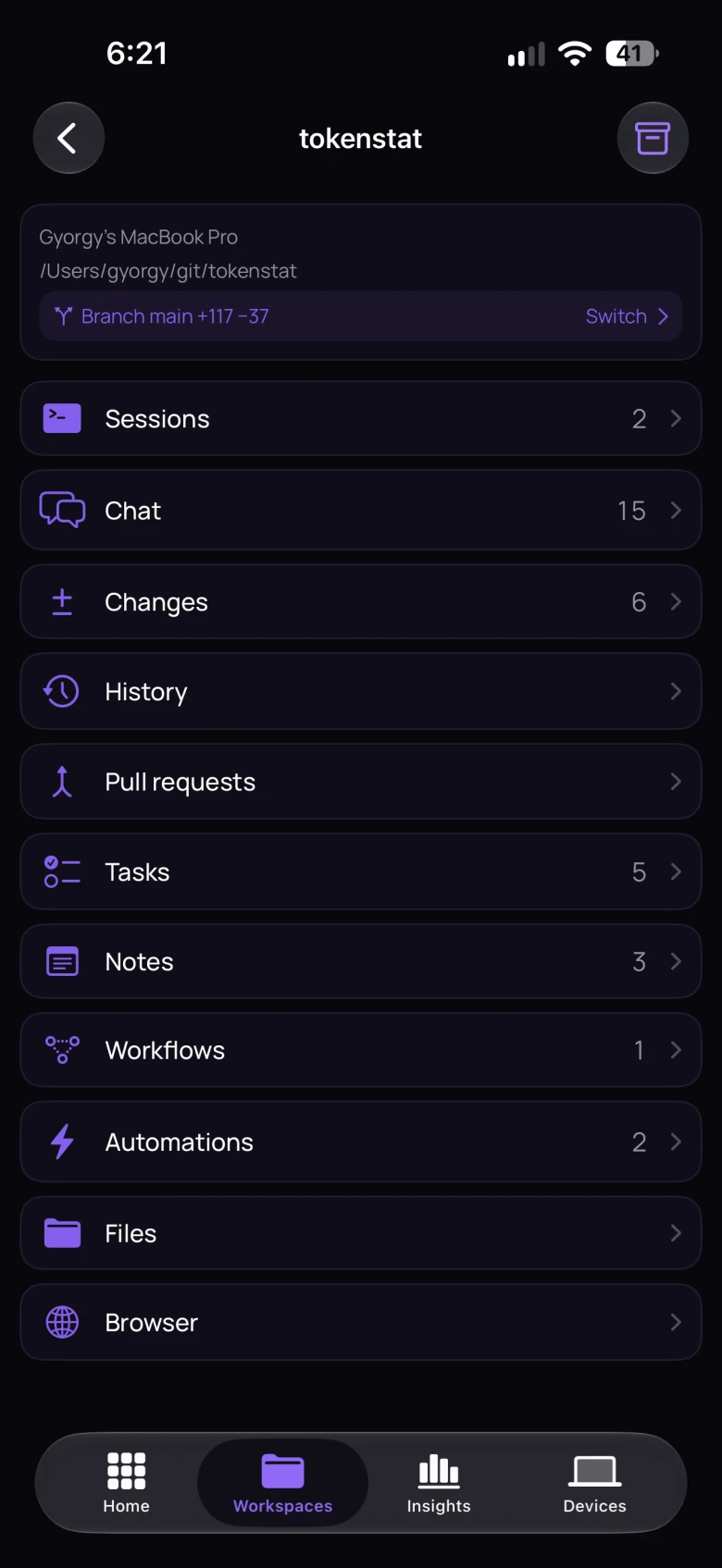
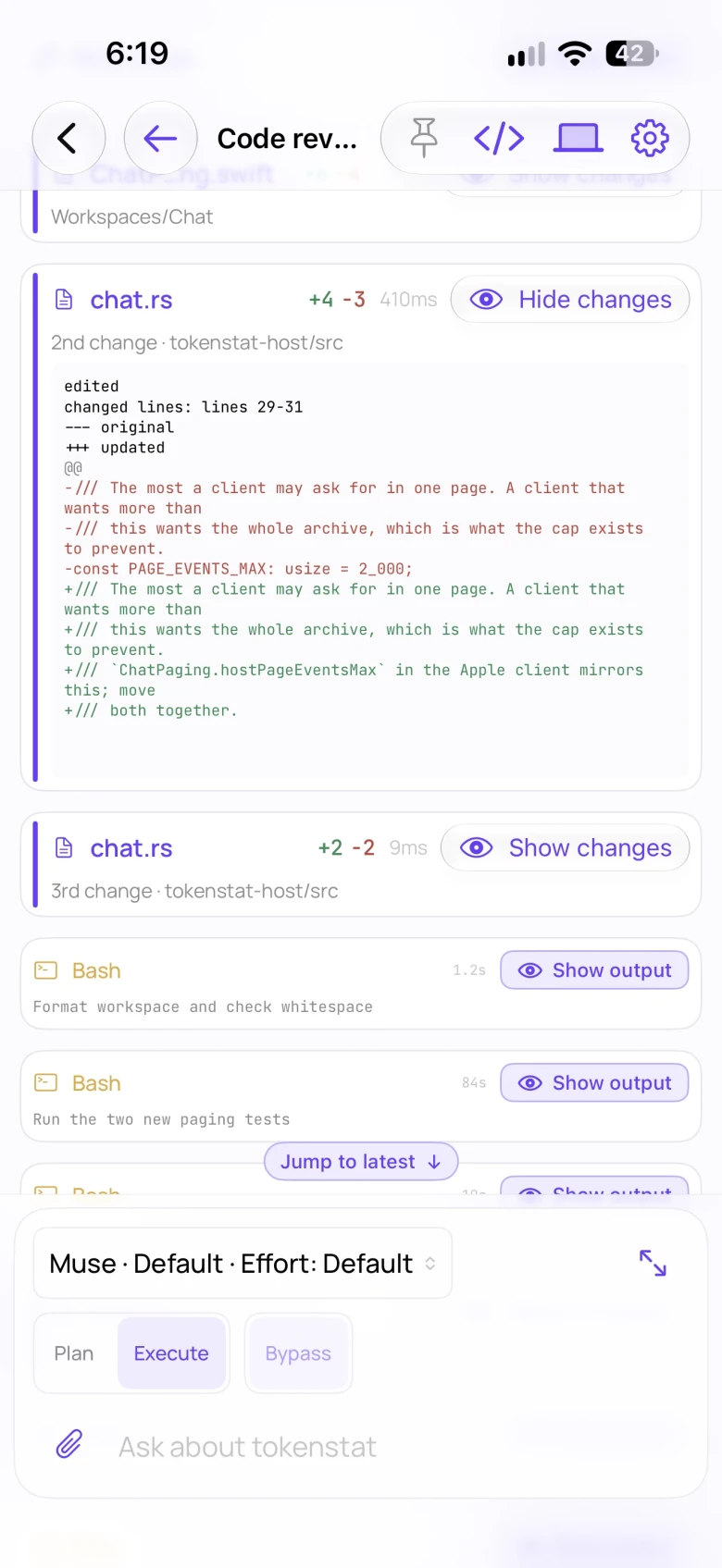
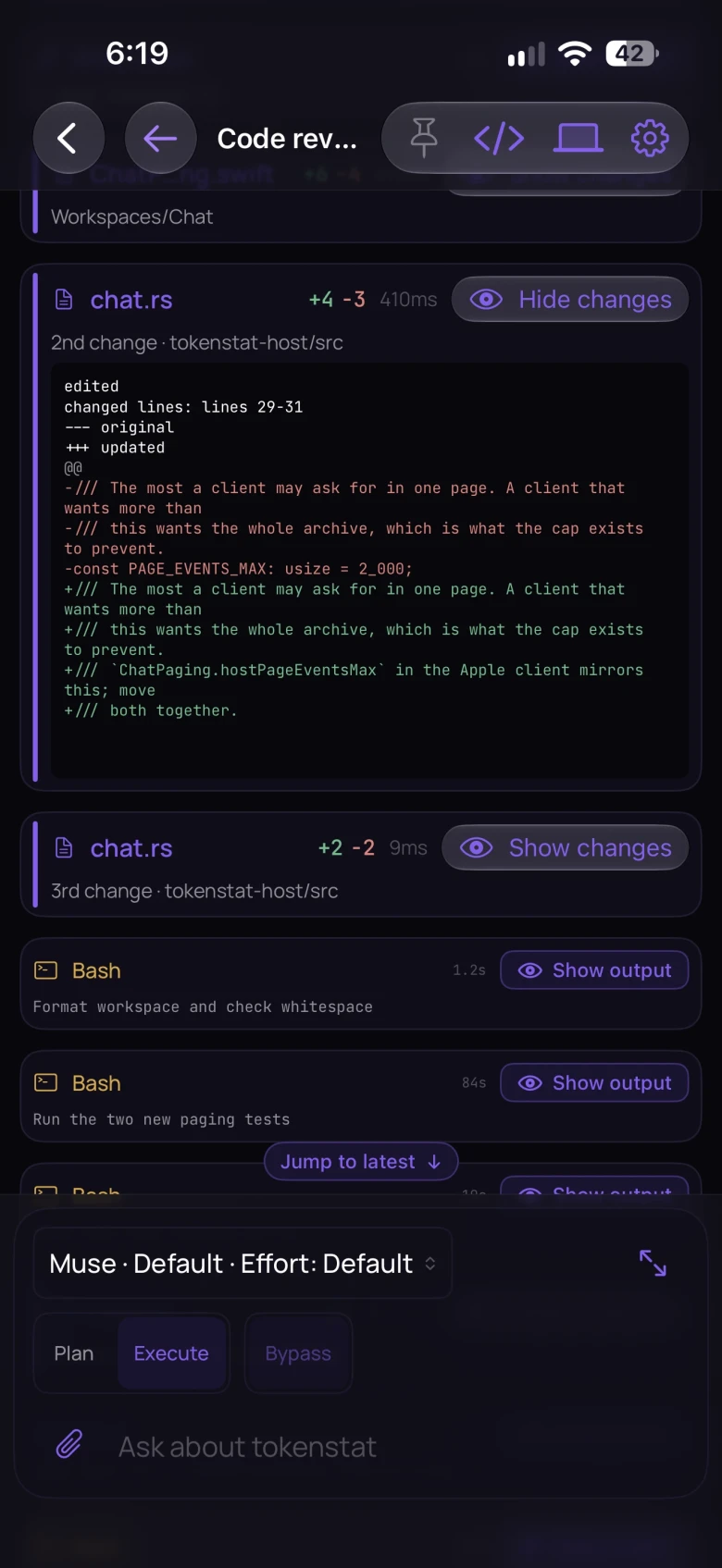
Attach to a live agent, answer the question it is stuck on, and check your usage from your phone. Synced usage is included with Free. A live session needs Patron or Legend. See the tour →
After installation
- Open your first project
In the Mac app, add a project folder and choose an installed agent. Follow the desktop setup guide → For the CLI, run
tokenstatto open your usage report. - See your existing usage
The first scan reads what Claude Code, Codex, Grok Build, OpenCode, Cline, Copilot CLI and other supported tools wrote to disk. Reports show the history available on this machine. How far back it goes depends on the records those tools retained.
- Preserve future usage history
Scheduled scans preserve usage counters before tools remove their source records. Some older totals can be recovered from rollups, with less session detail. tokenstat does not keep the original transcripts.
- Keep your data local
Local reports need no account. Usage sync and remote access are separate options. Updates, price refreshes, connected tools, and agents can use the network. Read the data guide before enabling additional connections.