Desktop workspace and usage tracker
A desktop workspace for coding agents
Run Claude Code, Codex, and other agents beside your files and Git diffs. Review their changes and track usage across your coding tools, including sessions started outside tokenstat.
See all downloads · Source on GitHub
Windows desktop is a review build. Linux desktop is planned. The iPhone and Android apps are available.
Local workspaces, usage tracking, and the CLI are free. No tokenstat account required. Your agents use their own subscriptions or API credentials.
Desktop screenshots from v1.0.5 · 14 September 2026. Take the desktop tour →
Usage tracking across 18 coding tools
Compatibility and setup- Claude Code
- Codex
- Grok Build
- OpenCode
- Cline
- OpenClaw
- Muse
- Devin CLI
- Kimi Code
- Qwen Code
- Pi
- DeepSeek Harness
- Zed
- Copilot CLI
- Antigravity CLI
- Cursor
- Hermes Agent
- Kilo Code
Start with a project
Your projects, agents, and usage in one app
Add an existing folder, choose an installed agent, and start a session. Keep its terminal beside your files and Git history while it works.
Run agents in your project
Launch an agent in the folder you choose. Keep several sessions open and see which are running or waiting for you.
Review what changed
Read file diffs and Git history beside the session. Edit files, choose what to stage, and commit from the app.
Understand your usage
Compare tools, projects, and models in one report. The dollar figure is the published API price, including work your subscription already covered.
Queue tasks and schedule jobs
Keep unfinished work on a task board. Schedule recurring jobs, or connect agent and command steps into a workflow with approval points.
Reach your other machines
Open a project or a terminal on your Mac or server from another device. That connection is a paid plan. Watching or controlling the screen is the top plan.
Use reports from a terminal or agent
The command line reads the same usage record as the app and can export CSV or JSON. An agent on that computer can look up projects, tasks, and usage through MCP.
Dollar amounts are the published API price for those tokens, so you can compare models and tools. Work your subscription already covered is not an extra bill. How to read the numbers →
Remote work · iPhone, iPad, and Android
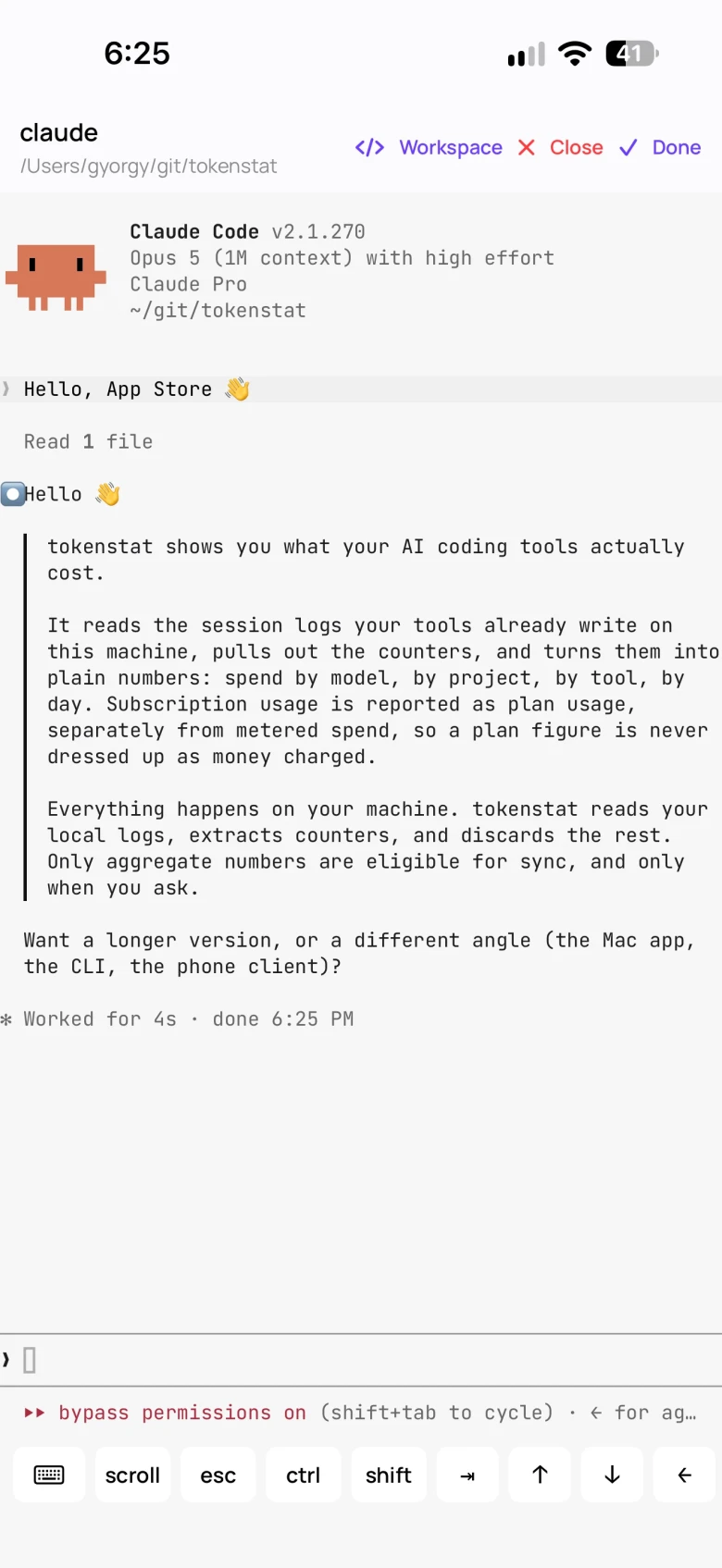
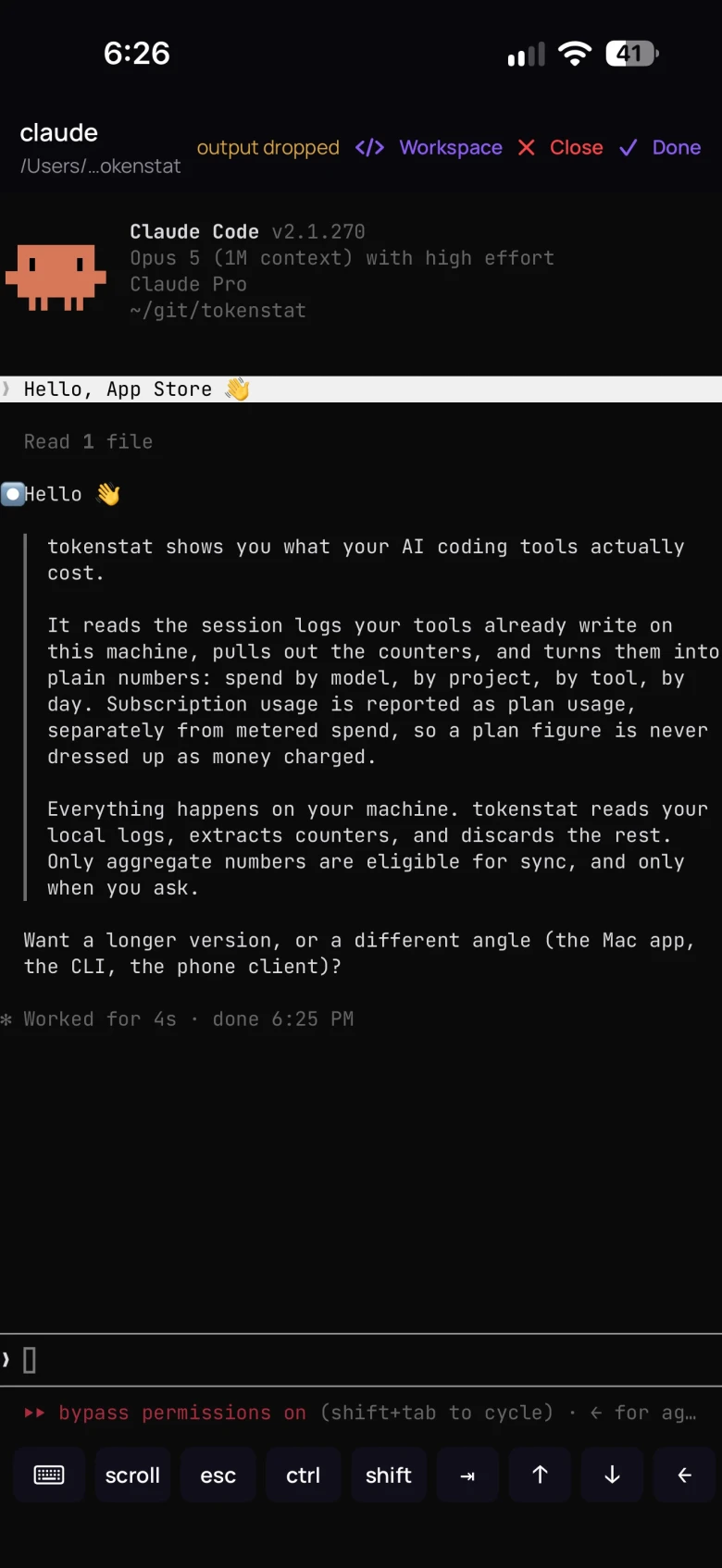
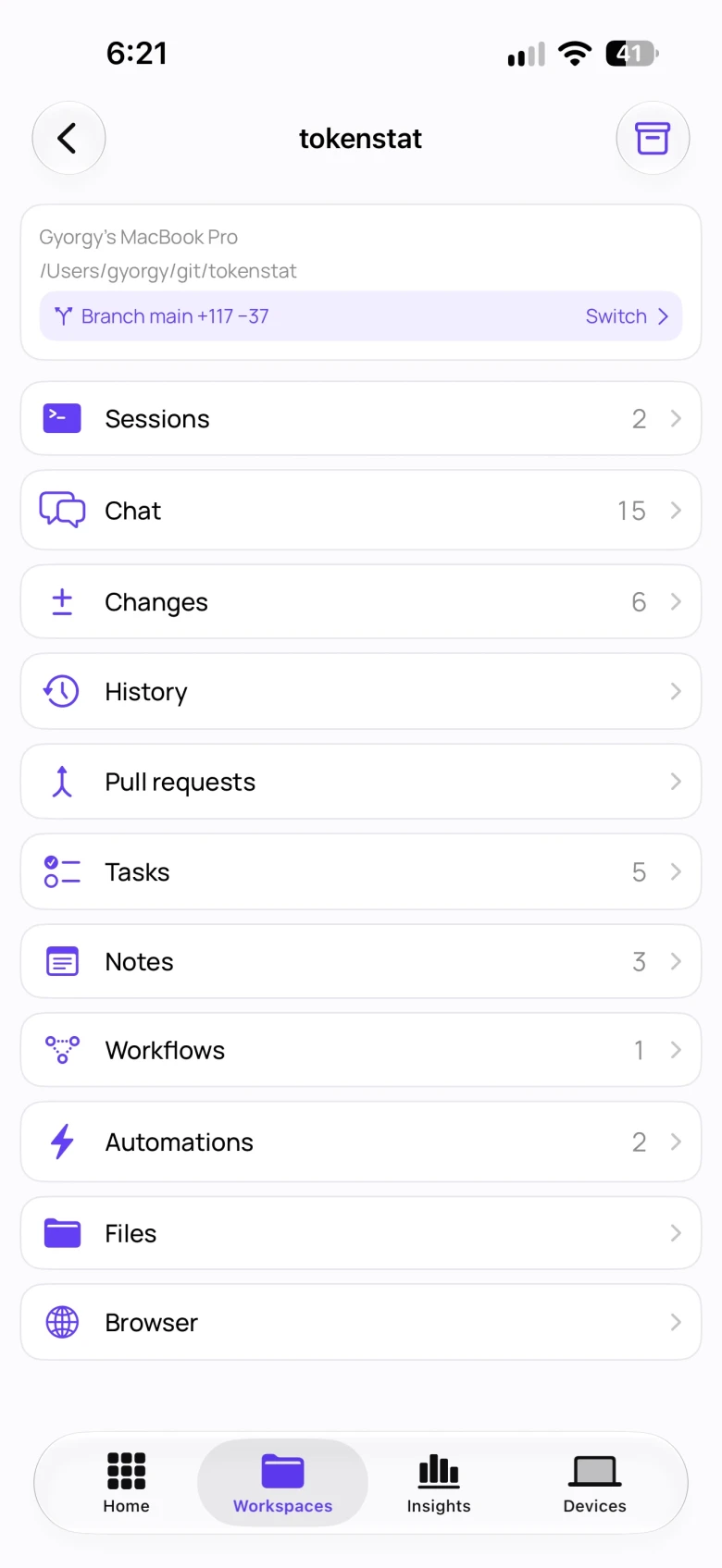
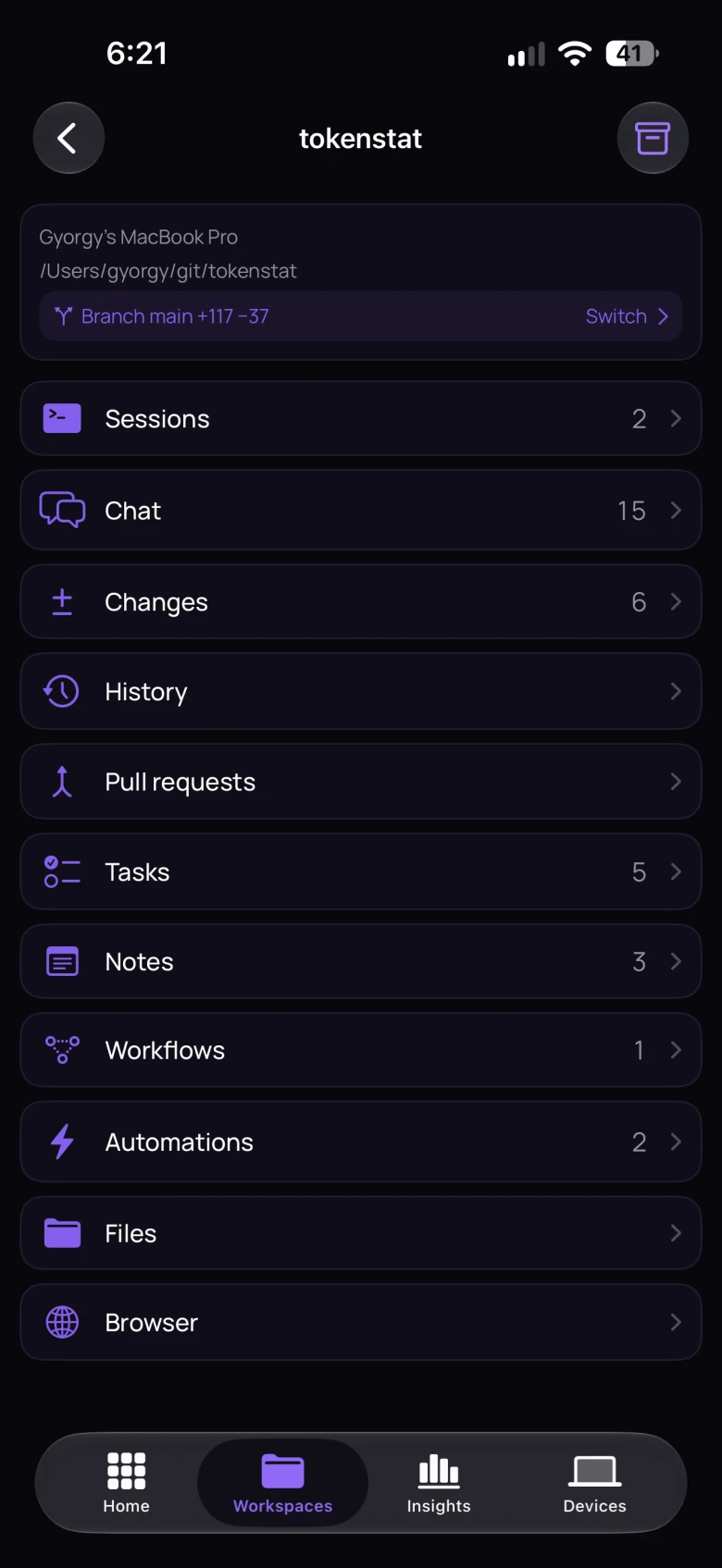
Reach your machines and agents from your phone
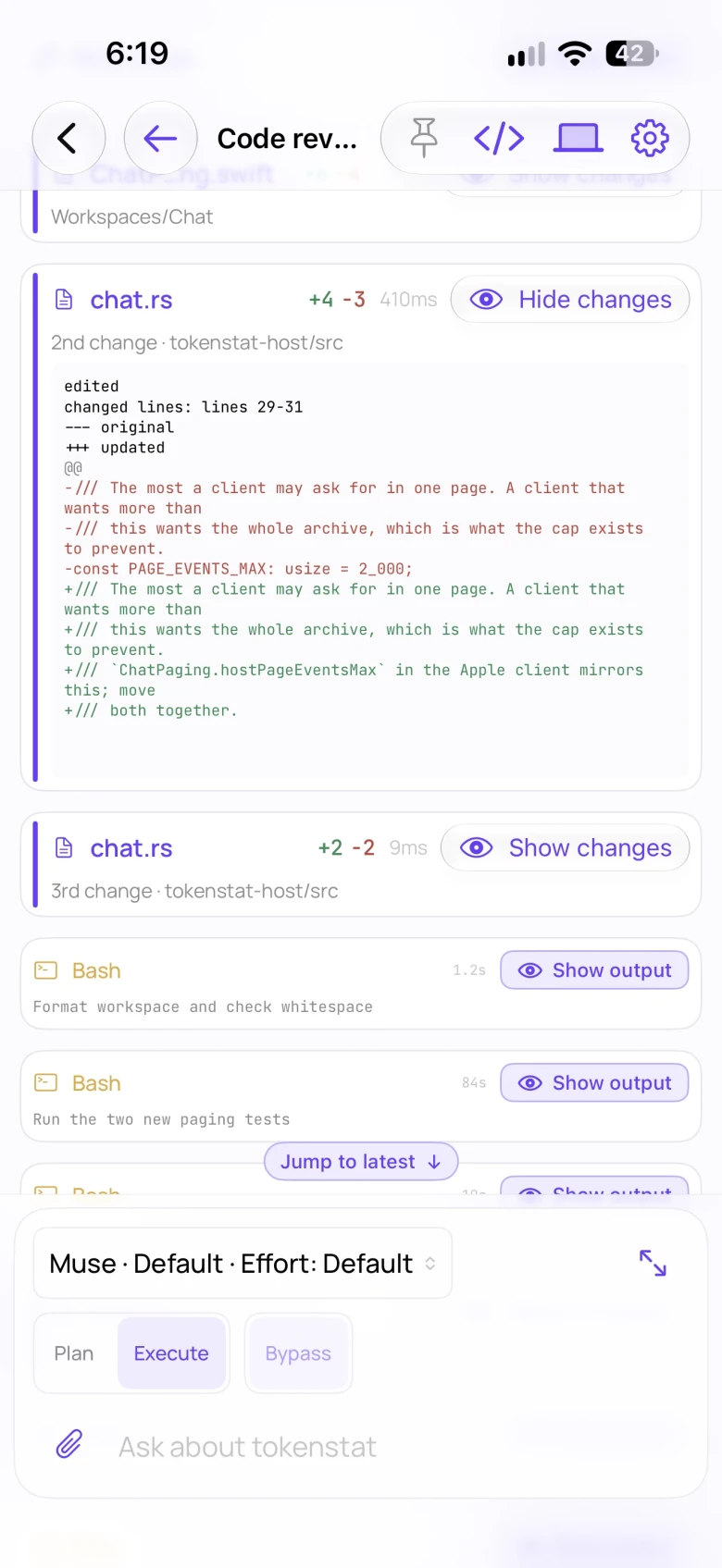
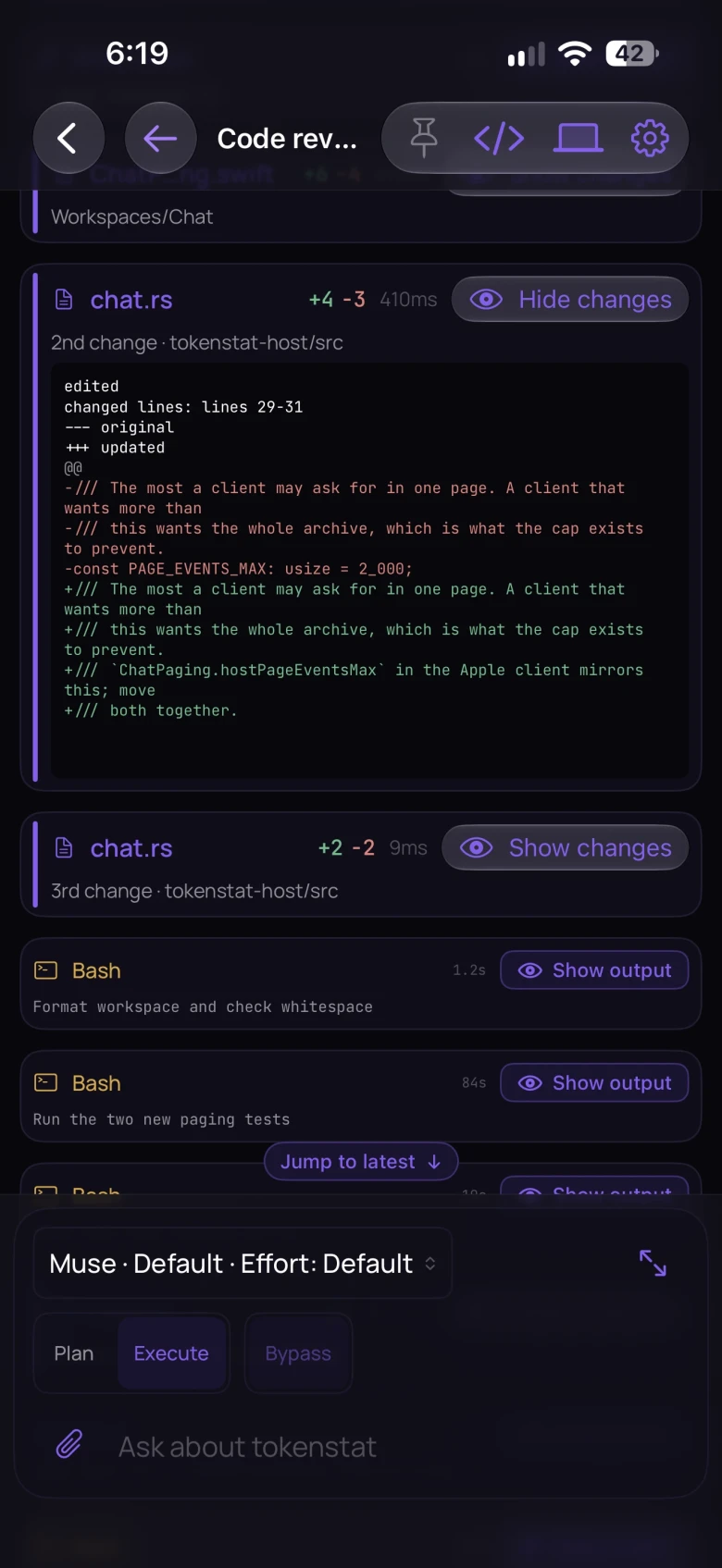
Check an agent running on your Mac or server, answer its question, and inspect its files. That computer keeps doing the work while you use your phone. See the tour →
Synced usage on the phone is included with Free. Opening a live session needs Patron or Legend, and the computer running the agent has to be on and has to approve your phone. Watching or controlling the screen is Legend. Compare plans →
Your data
See where your data goes
Local reports need no account. Usage sync and remote access are separate connections you can enable.
On your machine
Conversation text stays out of the usage archive. Workspace features read it separately.
What the app readsYour tokenstat account
Combine usage across devices. Prompts, code, folder names, and paths stay on your computer. The upload carries a one-way project id instead.
What sync sendsYour other devices
Open files, terminals, or a screen remotely. That computer approves each device. Screen access needs its own permission.
How device access worksAgents, updates, and vendor lookups use their own connections.Read the connection details
Command line
See your usage from the terminal
Use the CLI on macOS, Linux, or Windows. Scan existing usage records, explore the report, or export CSV and JSON. On the same machine, the desktop app and CLI read the same usage archive.
Install, then run tokenstat
Setup scans your records and enables hourly collection and automatic updates. Linking an account is optional.
Install options → · CLI commands → · Connect an agent through MCP →
$ curl -fsSL https://tokenstat.ai/install.sh | bashExample usage report. Dollar amounts are the published API price. Work your subscription already covered is not an extra bill.

Made by György
I run several coding agents at once and wanted their project files, sessions, and usage in one app. I built tokenstat to work with them on my Mac and check in from my phone.
Get started
Open your first project in tokenstat
Download the Mac app, add a project folder, and choose an installed agent. Local workspaces and usage reports are free.
See all downloads · Source on GitHub
Windows desktop is a review build. Linux desktop is planned. The iPhone and Android apps are available.